GitHub Actions to Azure App Service — notes from a CaseWeek workshop
CaseWeek at AGH finished a couple of weeks ago — during IAESTE CaseWeek 2023 in Kraków I ran a three-session workshop: Creating CI/CD Automation Using GitHub Actions — DevOps Deployments to Azure Cloud. English, about four and a half hours split across three afternoons, mostly second- and third-year students who had written code before but had not wired a deployment pipeline.
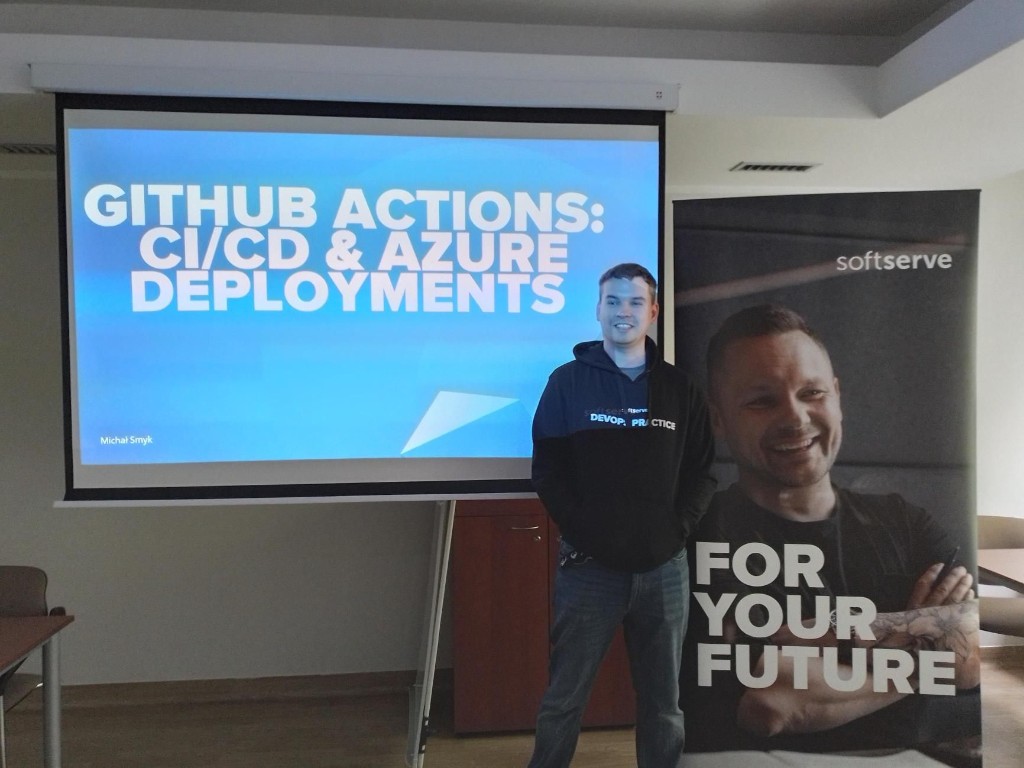
GitHub Actions CI/CD workshop at IAESTE CaseWeek 2023, AGH Kraków — before the first session
The GitHub repo is where I put the sample apps, reference workflows, and session notes while the material was still warm. Slide decks from the live event are not there — this post is the outline I wish I had written down before the first cohort showed up.
CaseWeek itself runs 8–19 May across several universities; our AGH slot sat in the middle of that window. I had automated this blog via GitHub Actions and SSH almost a year earlier. CaseWeek was the Azure PaaS version for a room full of forks.
Session 1 — hello world on a runner
First session was vocabulary and a minimal workflow: DevOps as culture plus automation, CI vs CD, a quick tour of GitHub Actions vs Jenkins vs Azure Pipelines, then on: push, jobs, runs-on, steps.
The exercise was deliberately boring — echo a string on push to main. That was the point. Once students saw a green check mark in the Actions tab, YAML stopped looking like magic.
Logistics mattered here: before the break I collected GitHub usernames and e-mail addresses so I could pre-provision Azure App Service instances and service principals for session three. Trying to create twenty web apps while people stare at a spinner is not a good use of workshop time.
Session 2 — CI that actually gates merges
Second session moved to continuous integration: branch strategies, pull request checks, restore → build → test → artifact.
We used two sample apps in the repo — a Django polls app under Python/source/ (Microsoft sample, trimmed for App Service) and an ASP.NET Core 6 Razor Pages app under DotNet/src/ExampleWebApp/ with a small MSTest project. Reference workflows: python-ci.yml and dotnet-ci.yml.
Two ways to write pipelines came up. The GitHub Actions wizard in the web UI gets you started fast; ChatGPT can draft YAML if you describe the stack — but generated files almost always need hand-editing for paths, action versions, and secrets. We treated that output as a first draft, not a finished pipeline.
Exercises included an intentionally failing test (fix the assertion, watch the pipeline go green), adding a status badge to the README, and optionally posting to Slack on success or failure. The badge exercise sounds cosmetic; for students it was the first time CI lived outside the Actions tab.
Session 3 — deploy without SSH
Third session was Azure and CD. Portal for discovery, Azure CLI for automation, service principals vs personal accounts, IaaS vs PaaS vs containers — then focus on App Service because we only had an afternoon left.
Deployment flow we taught:
- CI produces a deployable artifact.
- CD job runs on a fresh runner, downloads the artifact.
- A deployment action pushes to App Service using a publish profile or
azure/loginplus service principal secrets.
CD workflows in the repo are manual (workflow_dispatch) so forks do not deploy anywhere by accident. Self-study instructions are in self-study-azure.md.
The path that broke half the pipelines
The most common failure during the workshop was not Azure auth — it was working directories.
GitHub’s Django templates and several student-generated YAML files assumed Python/src/. Our repo uses Python/source/. Pipelines failed at “cannot find manage.py” until someone diffed against the reference workflow. Same story on the .NET side when students copied a template that pointed at the wrong solution path.
I kept a sticky note on the projector: Python/source/, DotNet/src/ExampleWebApp/. It saved the second cohort more than the first.
That is the detail worth remembering when you teach CI/CD from templates: the YAML is rarely wrong in syntax; it is wrong in paths relative to your fork.
Notes for a second run
Publish profile secrets are fine for a classroom; in production I would reach for workload identity federation or managed identity instead of long-lived credentials in GitHub Secrets. The workshop intentionally stayed on publish profiles because the goal was “see your commit in a browser,” not “design enterprise auth.”
If I run it again I want one exercise where students break the pipeline on purpose in a PR and fix it before merge — that maps better to how teams actually use CI than only watching green builds on main.